When You First Log In
You can find some basic instructions here to modify web pages.
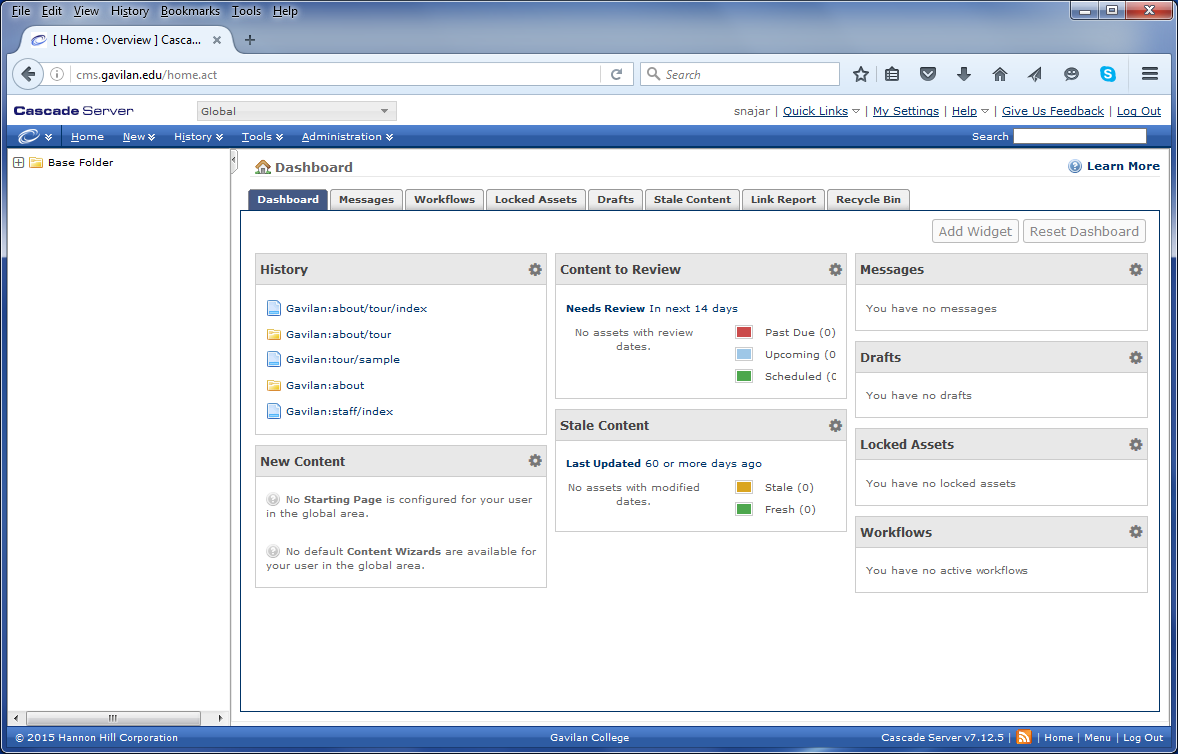
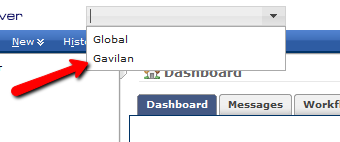
Choose the Gavilan Site if it isn’t chosen:
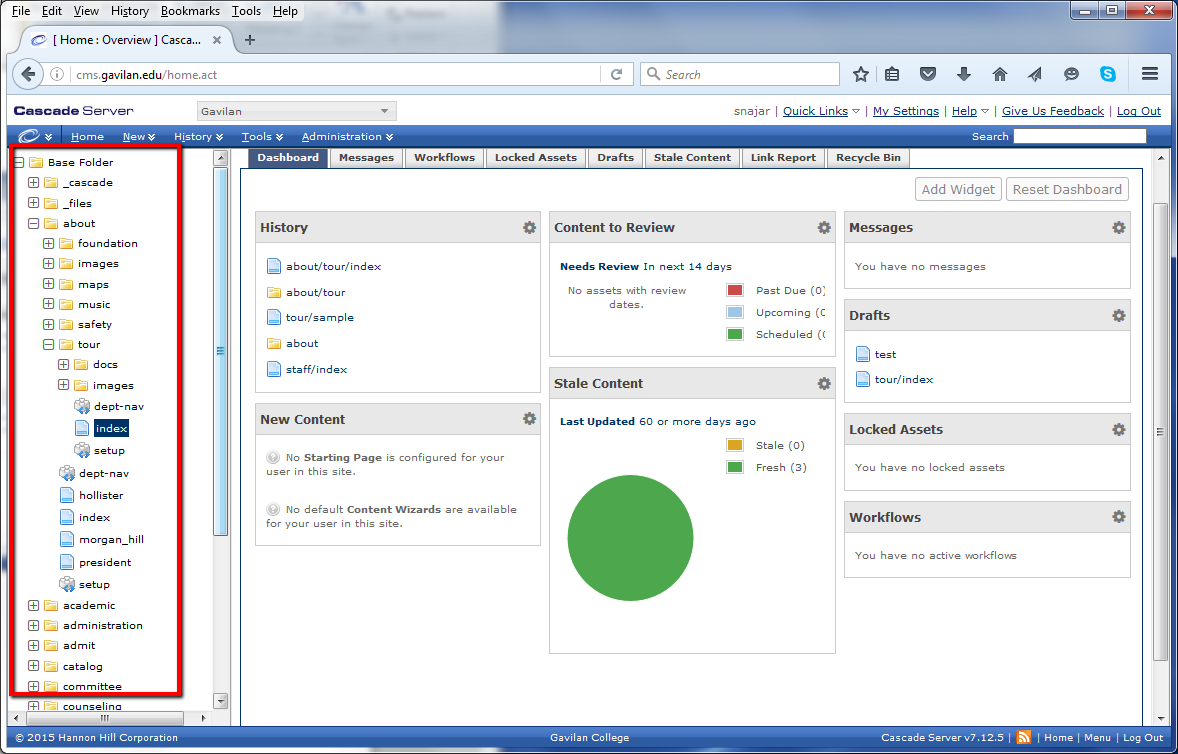
Now you should be able to see the web pages that comprise the Gavilan web site:
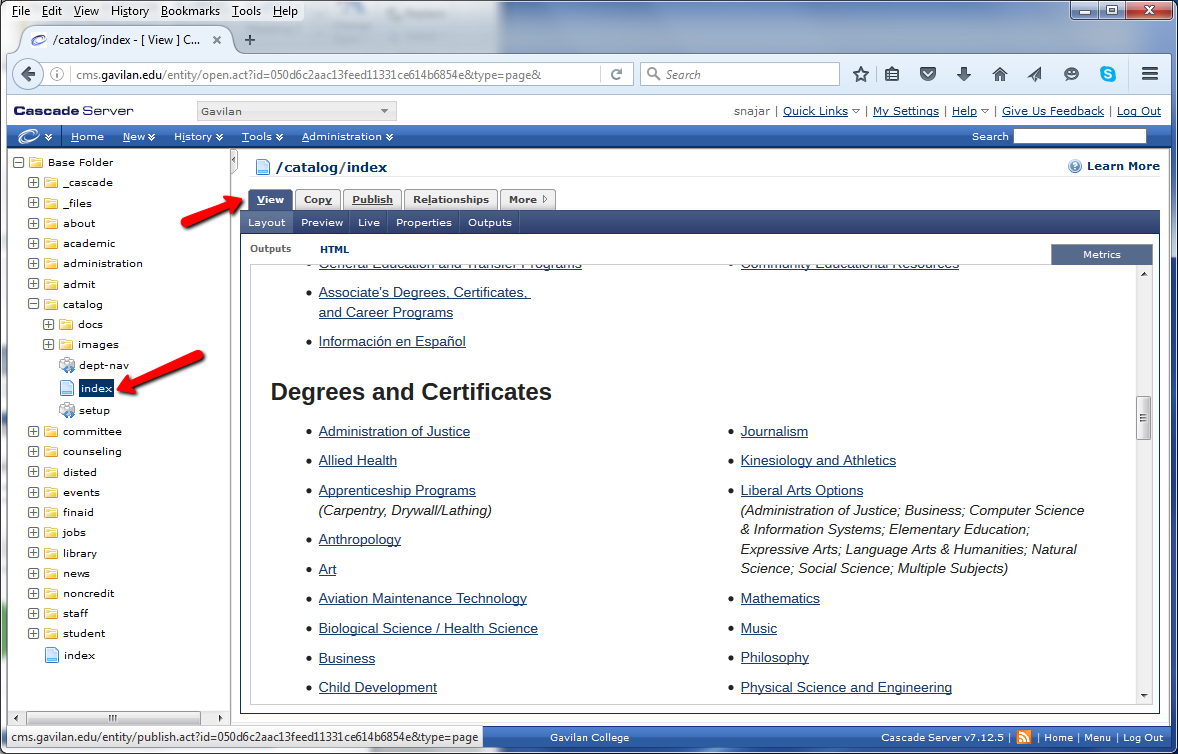
Here we have clicked on /catalog/index, and we are viewing the page
Notice that we cannot make any changes. This is because I don’t have permission to change this page: