

Change your myGav Password
Login to the myGav Student Staff Portal from the Gavilan homepage at www.gavilan.edu.

Sign into with GNumber and Password.

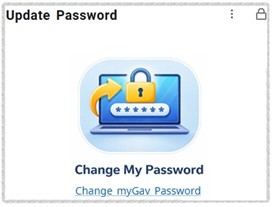
Look for the Update Password card on the ‘Home’ screen and click ‘Change myGav Password’.
You may see a Security Questions page asking you to create your own question.
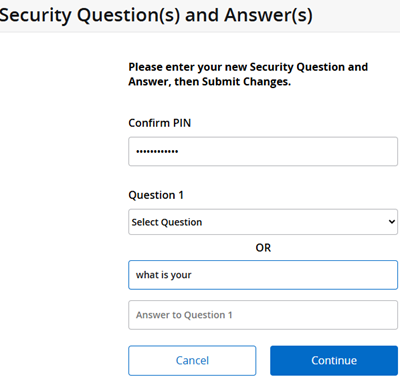
Click continue and follow the Instructions on the page. For example:
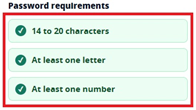
- Password must be at least 14 characters with one letter and one number.
- Use a short phrase or sentence that is easy for you to remember.
- Special characters are allowed.
- Make sure these password requirements are all green.
- Re-enter the new password exactly before submitting
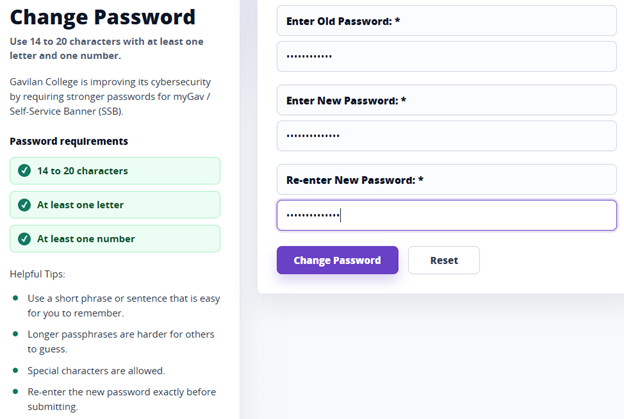
Click ‘Change Password’
After you change the password, you should see a verification at the top of the page stating your password has been updated.
