
Email Problem?
Your Gavilan College student email account is automatically created by Google. If you have not yet enrolled, you may not have an email.
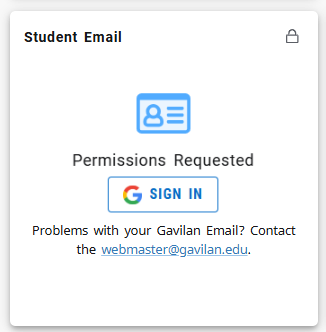
Click this button on the myGav portal and you will be automatically logged into your email account.
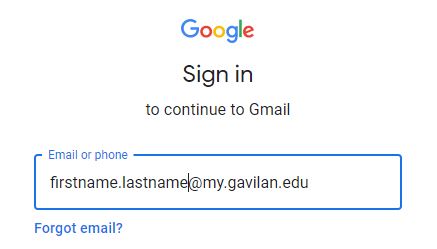
Or go directly to www.gmail.com and enter your email account.
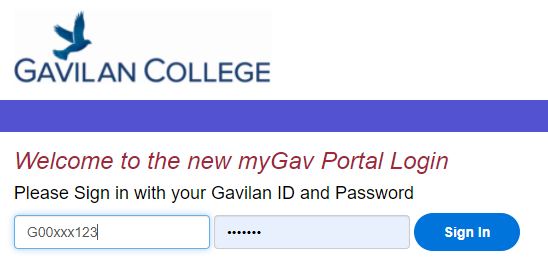
Next login with your GNumber and Password. (example G00xxx123, letMeIn0G)
What is my Email Address and GNumber?
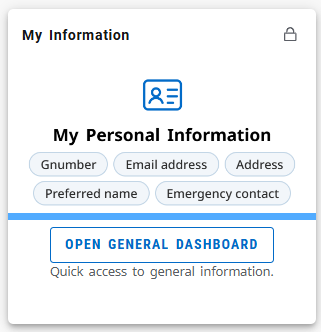
Login to myGav and click My Information and you will see it printed there.
Perhaps you are seeing your personal email?
You are likely already signed in to Gmail with your personal or high school account, while your Gavilan student email is also hosted on Gmail. Here are some easy ways to fix the problem:
1 - Try a different browser (Firefox, Chrome, or Edge).
2 - Use Incognito/Private mode in your browser.
3 - Sign out of your personal Gmail, then sign back in with your Gavilan email address.
Still broken, email the webmaster with your GNumber
If your email is still not working please email the webmaster at webmaster@gavilan.edu
Don't forget to include your name and GNumber! G00??????
For more sign in instructions click here.
How long can I keep my Gavilan e-mail address?
While you are taking classes at Gavilan College, your e-mail account will be maintained. At the end of your last enrolled semester, a 1-year grace period starts, allowing you to transition off of Gavilan's system. If you re-enroll within that grace period, your 'active' status will be re-established. At the end of the 1-year grace period, your @my.gavilan.edu e-mail account will be discontinued.