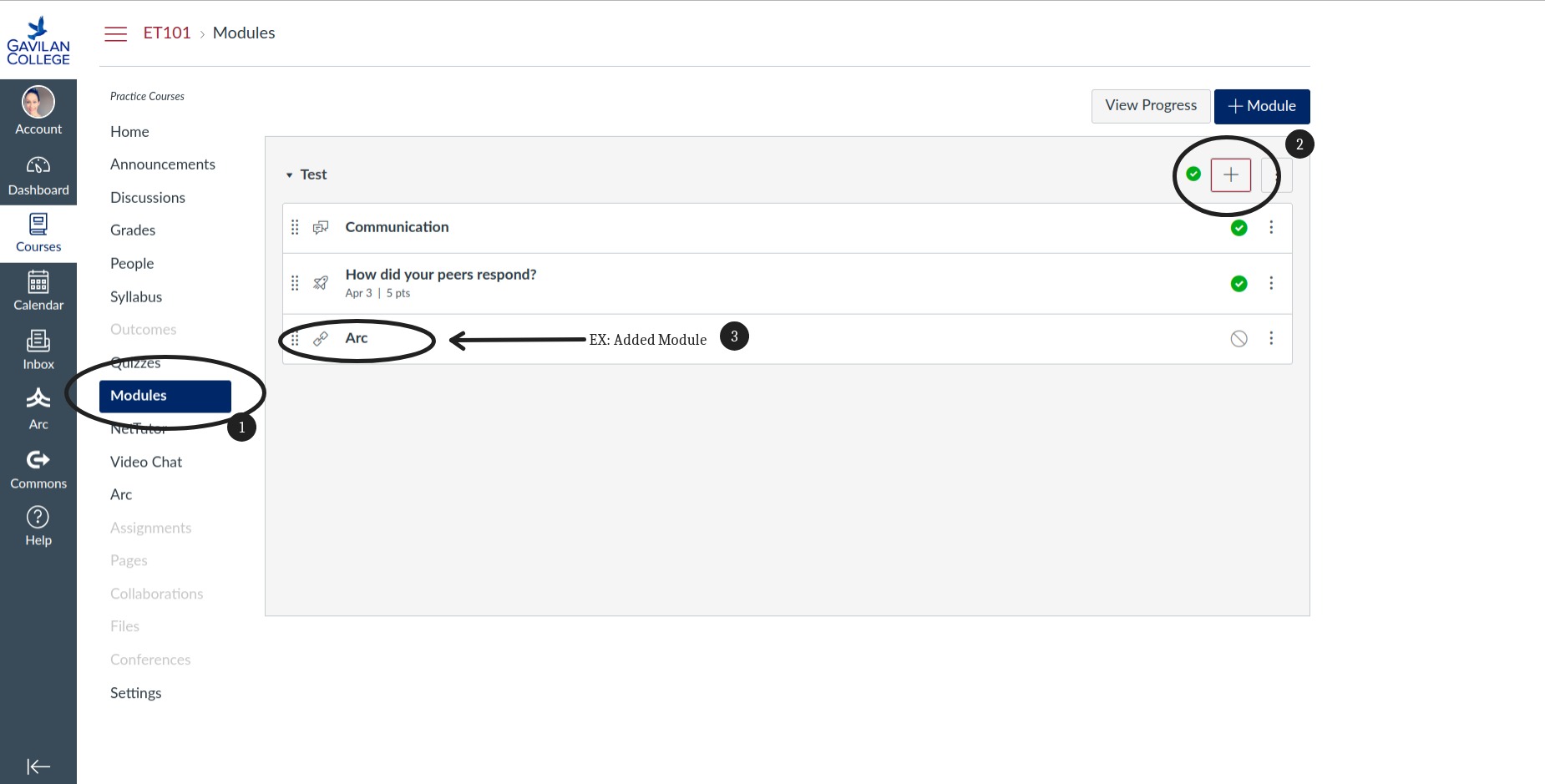
Place Video in Module
To begin, click Modules if you would like to add your video into a module.
Step 1: Click the [+] to add an item to a module.
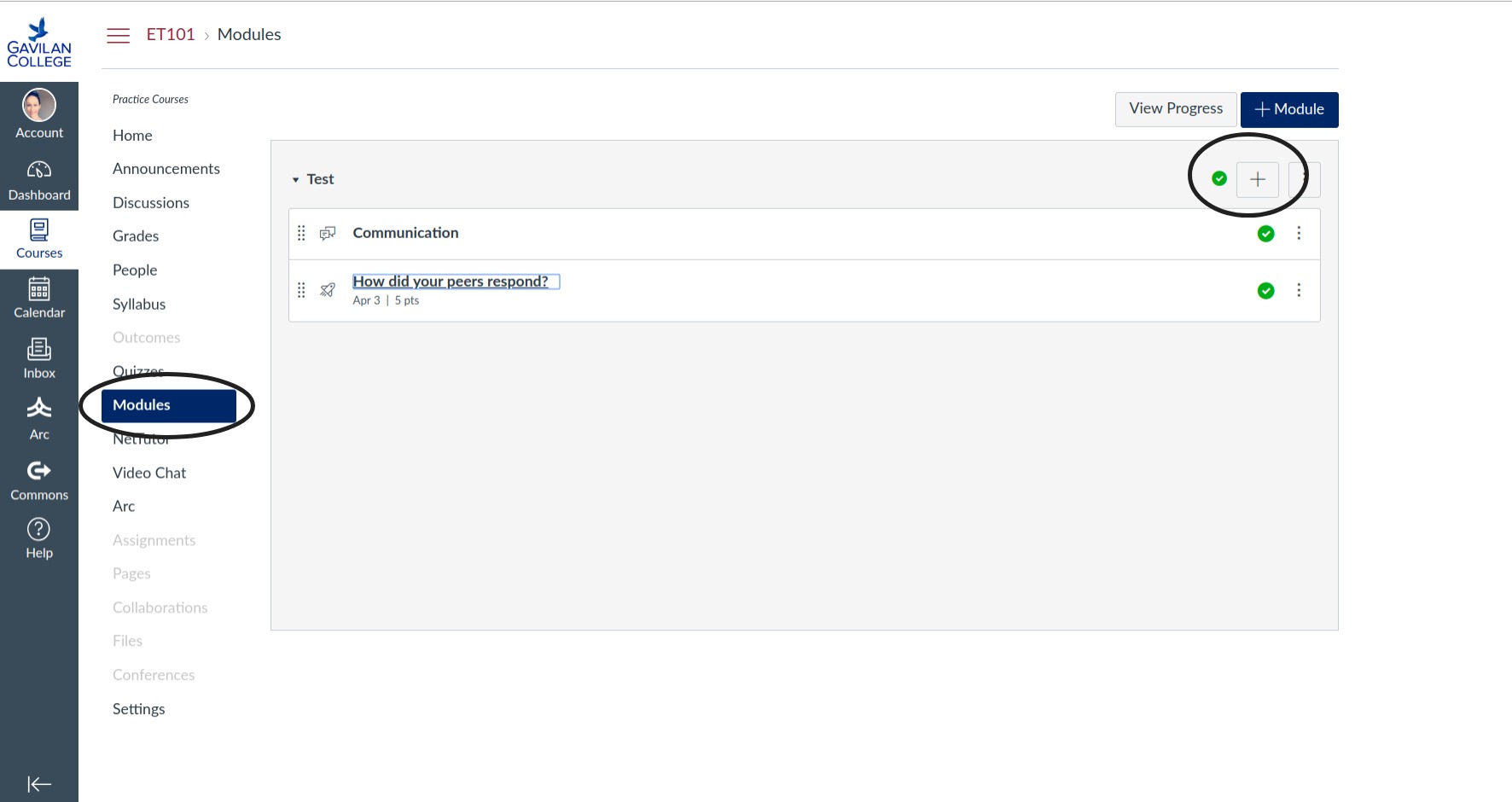
Step 2: Choose 'External Tool'
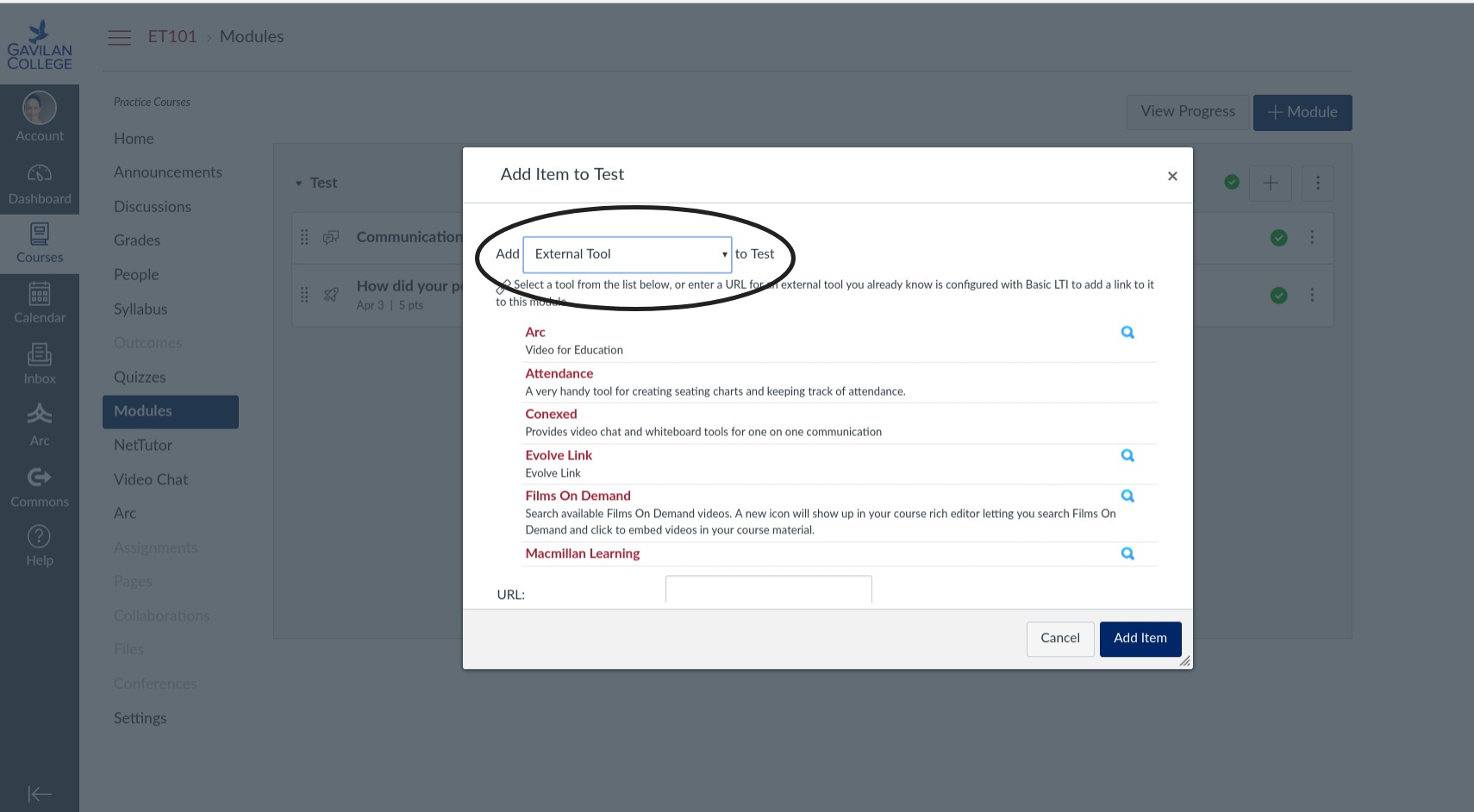
Step 3: Choose 'ARC'
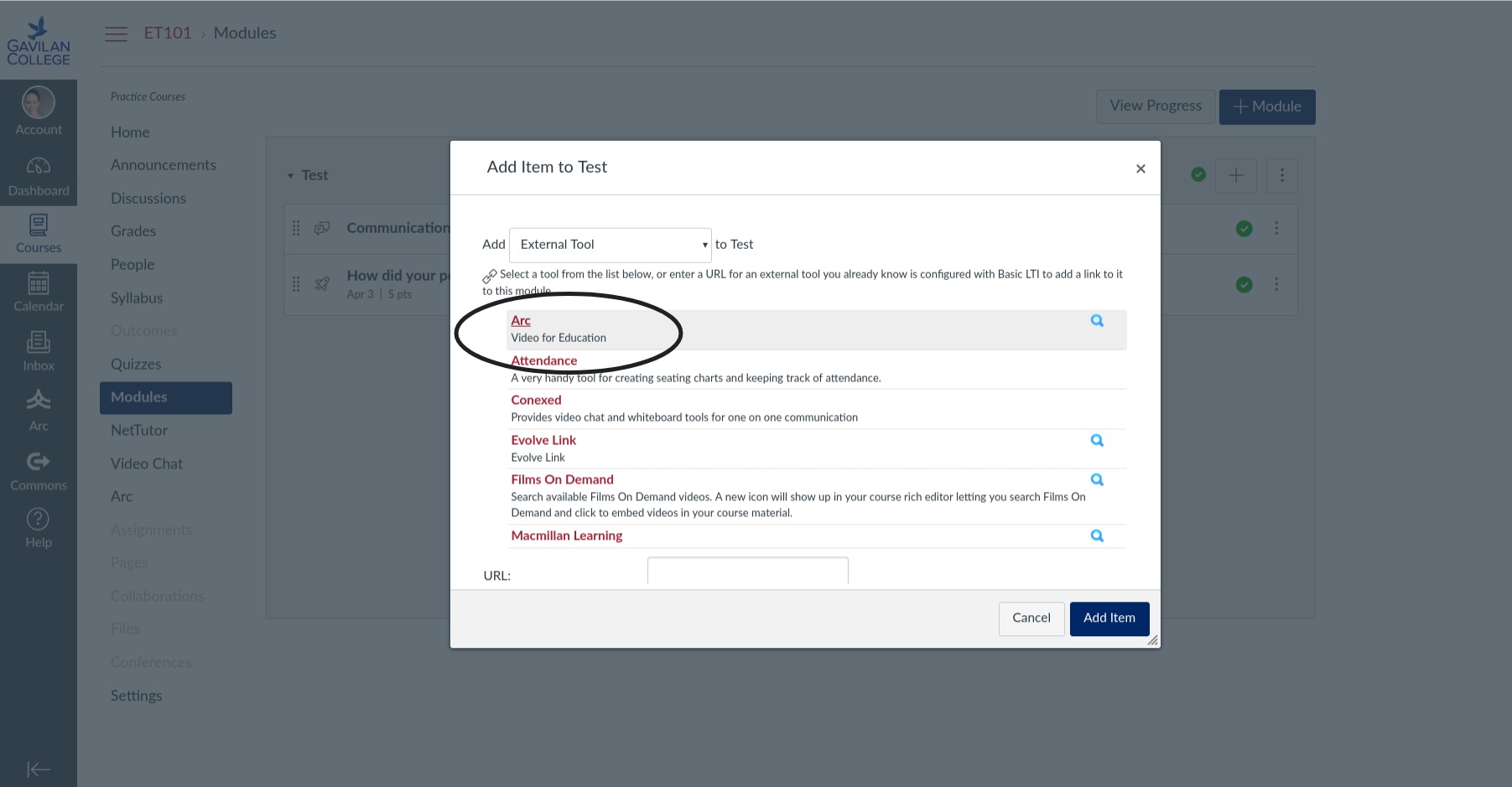
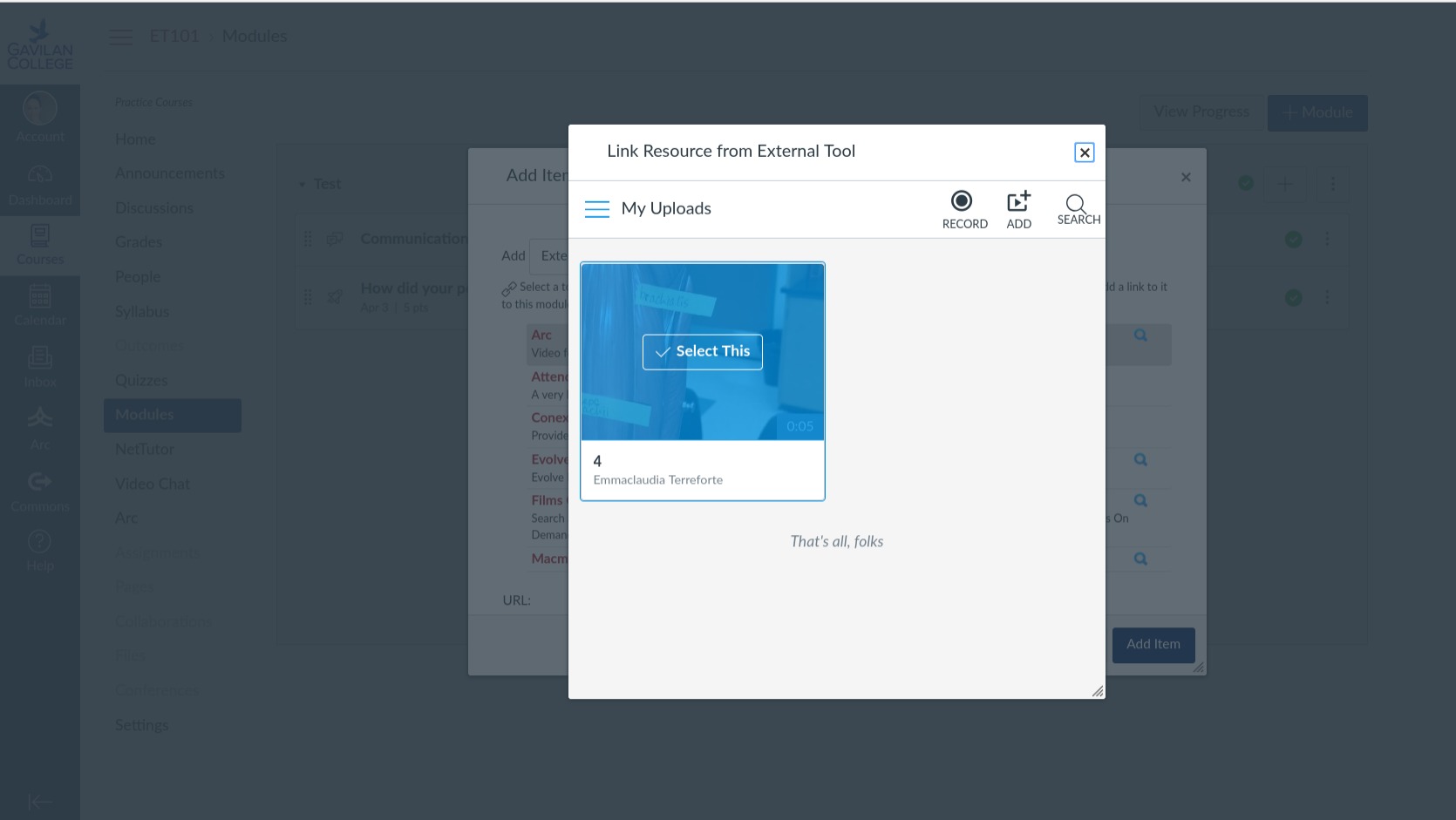
Step 4: Pick out the video
This is how it will appear in the Module listing. You should probably rename the entry by clicking on the 3 dots at the far right of it.